
You're not a forensic investigator—and you shouldn't have to be
You're an IT admin doing your best with limited resources. The signs are there, but finding them feels impossible.
"The answers are buried"
You know the answers are buried deep within the logs, but manually checking Event Viewer, auth logs, and registry changes would take days.
Even if you had the time, which Event IDs matter? Which registry keys? What's normal vs. suspicious?
"Has it spread?"
One compromised workstation is concerning. Lateral movement across 20 machines is catastrophic.
But how do you check every machine? How do you know what to look for? How do you even start?
"I don't have anyone to turn to"
Big companies have cyber insurance and professional investigators that cost tens of thousands. You're a small business or individual without those resources, but still need to move forward.
Your boss (or you) needs answers: "How bad is it? Can we trust our systems? What do we do now?"
Forensic-level answers without the forensic expertise
ForensicLens makes forensic analysis accessible. Collect evidence in minutes, analyze on a trusted system, get clear answers.
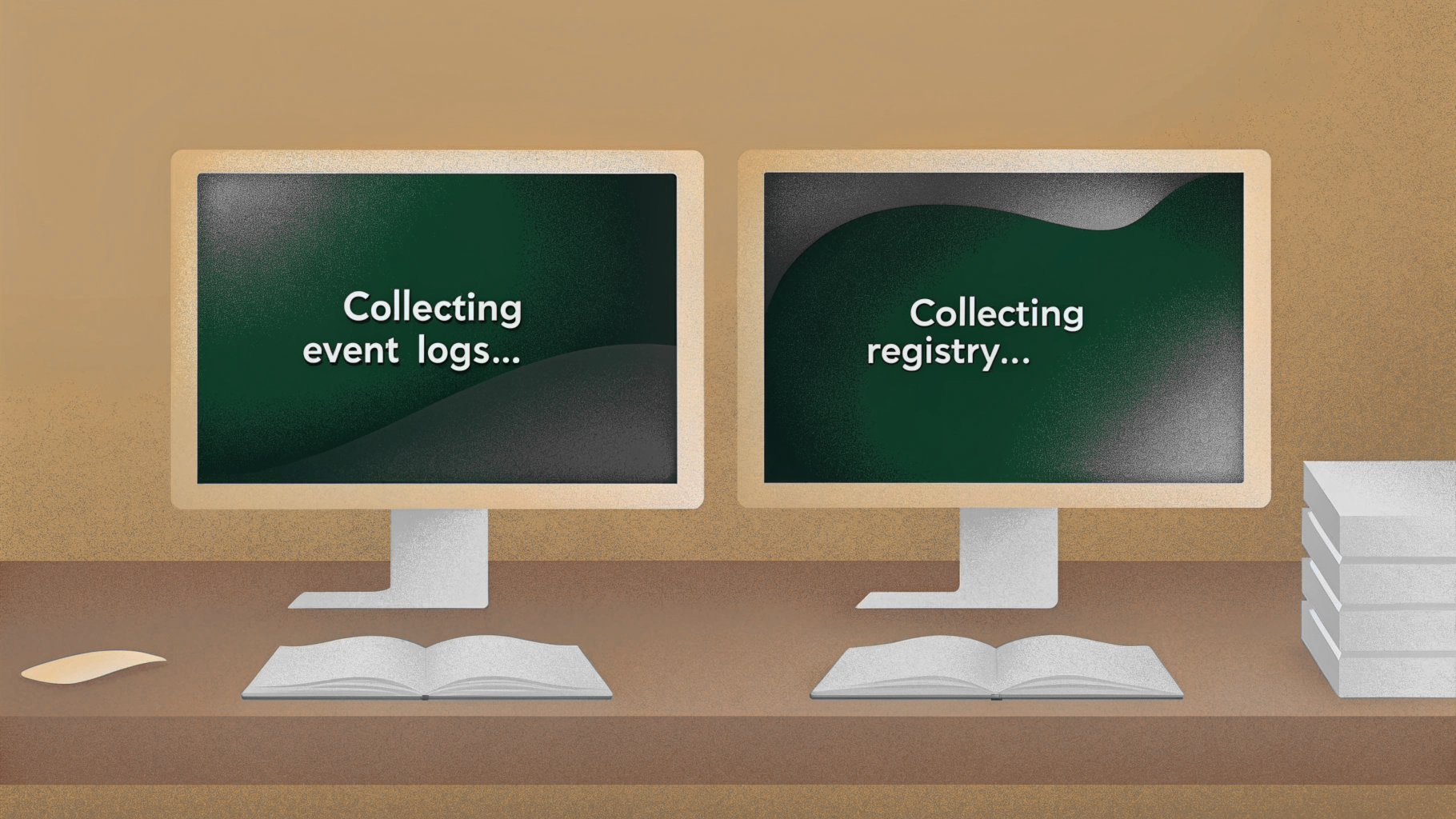
Collect
Run the ForensicLens collector on suspected machines. It safely gathers event logs, registry artifacts, authentication records, and system configuration into a single ZIP file.
No installation. No agents. USB-portable. Works on Windows, Linux, and macOS.
Analyze
Transfer the ZIP to a separate, trusted machine and upload to ForensicLens Analyzer.
Our engine automatically checks 62 breach indicators across authentication tampering, persistence mechanisms, malware traces, log manipulation, network anomalies, and data exfiltration.
Get Answers
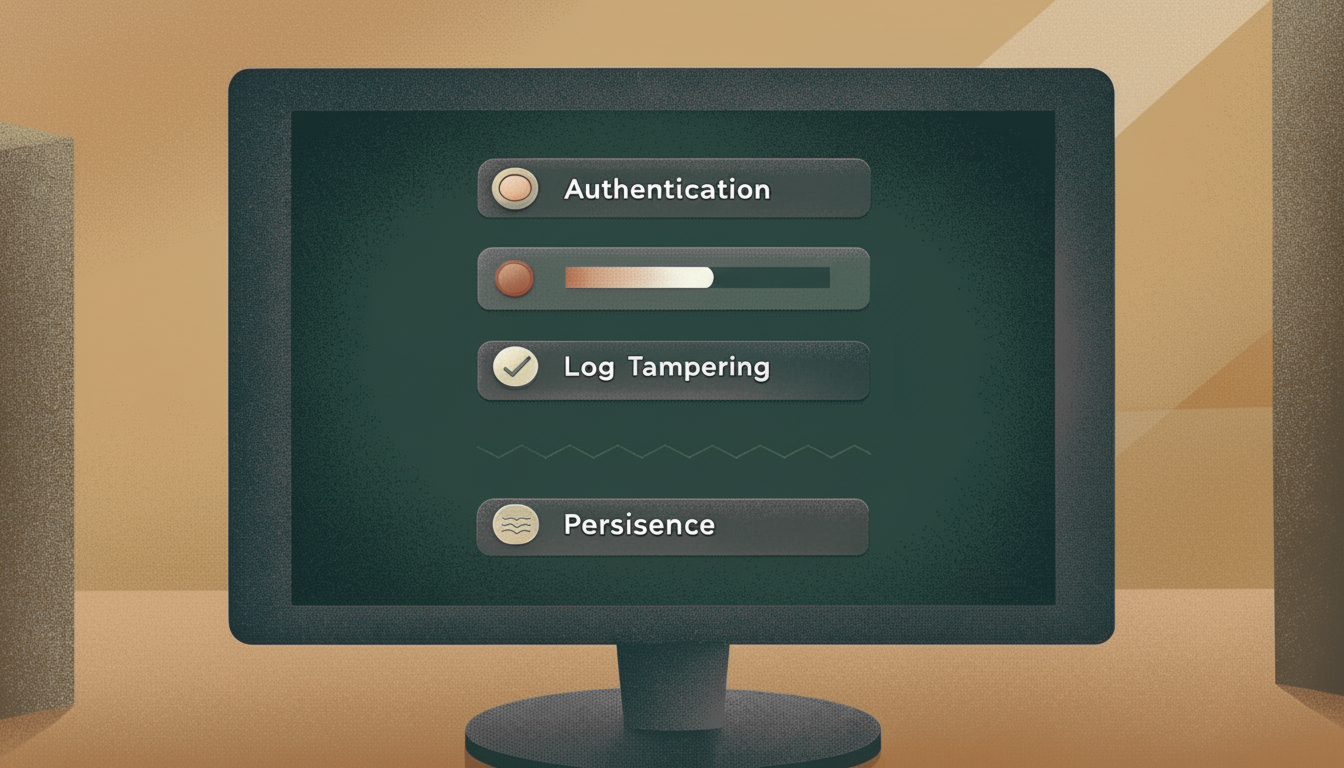
See exactly what was found—and what we couldn't determine. Every finding uses our three-state model:
We won't give you false confidence. If we can't tell, we'll say so.
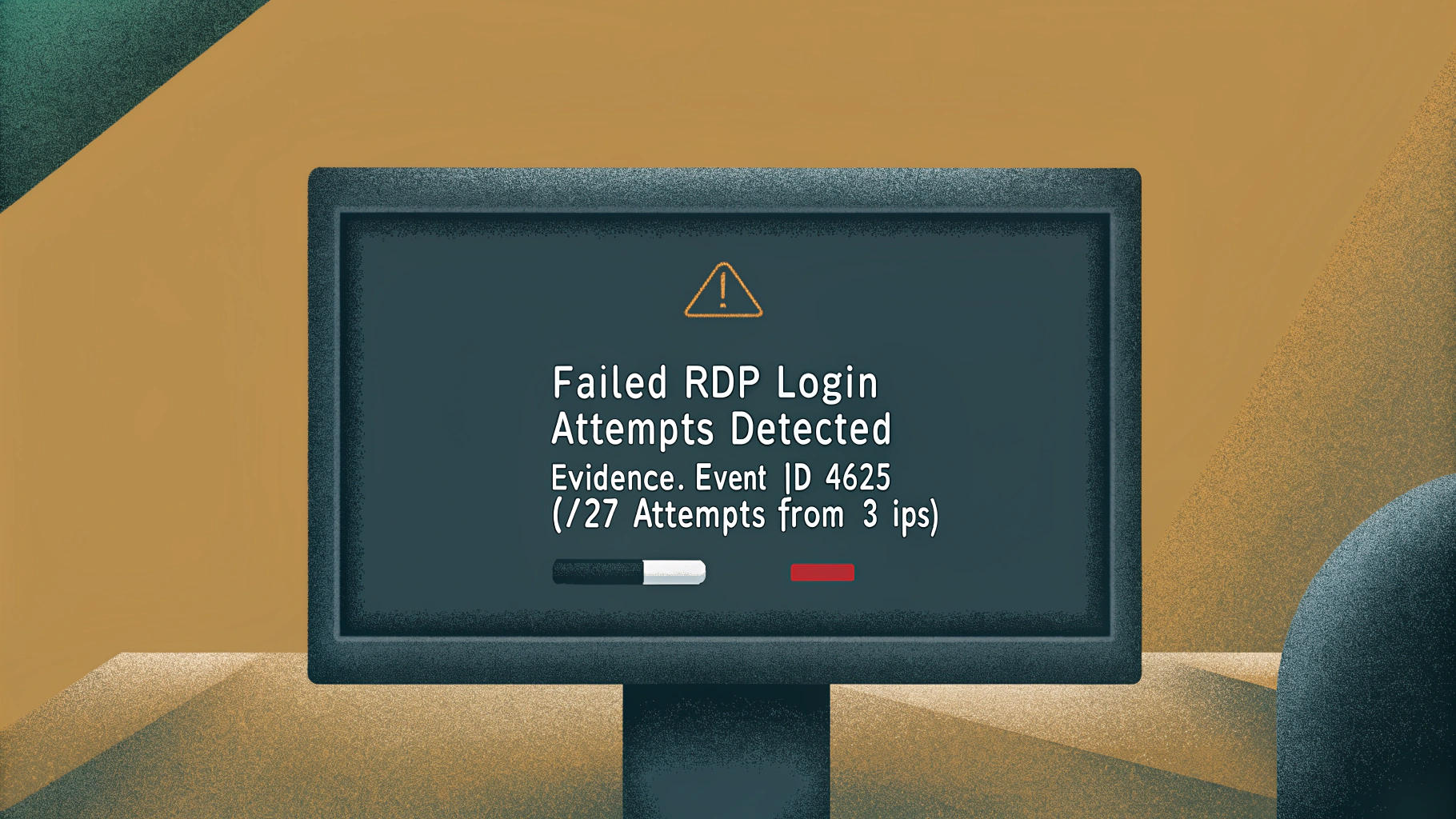
62 breach indicators across 6 categories
We check the most common signs of compromise that attackers leave behind. Here's exactly what we look for:
Authentication & Access 12
- Failed login attempts and patterns
- Successful RDP/SSH sessions
- Privilege escalation events
- User account creation/modification
- Password changes
- Logon outside business hours
Log Tampering 8
- Event logs cleared
- Audit policies disabled
- System time manipulation
- Log service stopped/crashed
- Security log gaps
- Failed audit attempts
Persistence 15
- Scheduled tasks created/modified
- Services installed/changed
- Startup programs added
- Registry Run keys modified
- WMI event subscriptions
- DLL injection indicators
Malware Indicators 11
- Antivirus detections
- Antivirus disabled/tampered
- Suspicious executables in temp folders
- Known malware file paths
- Unsigned drivers loaded
- Process hollowing traces
Network Activity 9
- Firewall rules changed
- Port scanning detected
- Network shares accessed
- Outbound connections on unusual ports
- DNS configuration changes
- Proxy settings modified
Data Exfiltration 7
- USB devices connected
- External storage accessed
- Large archives created
- Cloud sync activity spikes
- Remote desktop file transfers
- Encrypted volume mounting
We're honest about what we can't detect. No tool is comprehensive.
See our full methodology and limitations →
Built on trust, not hype
We publish everything we do. You can verify every claim. No black boxes. No exaggerated promises.
Transparent Methodology
We publish exactly what we check—all 62 indicators, which logs we read, which registry keys we examine, and how we reach conclusions.
The raw forensic data is included in every ZIP. You can verify our findings manually if you want. Nothing is hidden.
Honest About Limitations
If we can't determine something—because logs were cleared, logging was disabled, or data is missing—we say: INDETERMINATE
No false confidence. No guesses dressed up as certainty. You deserve truth, not reassurance.
This honesty is what makes our findings reliable.
60× Faster Than Manual
What would take 3 days manually checking logs takes just 30 minutes with ForensicLens.
Spend your time looking forward—planning remediation, hardening systems, moving your business forward—not buried in logs and config settings.
Focus on solutions, not archaeology.
Prevent future "INDETERMINATE" results
Analysis is only as good as the logs you have. We include a tool to help.
The Problem
By default, Windows and Linux systems don't log everything. Many important security events go unrecorded—meaning if a breach happens, you won't have the evidence to detect it.
When the necessary logs aren’t available, the result will often show: INDETERMINATE
The Solution
Included with every ForensicLens license: A configuration tool that enables comprehensive security logging across your machines.
Run it once on each system to:
- Enable all security audit policies
- Turn on PowerShell script logging
- Capture process creation events
- Record registry modifications
- Configure appropriate log retention
Next time you need to investigate, the evidence will be there.
Pay for analysis, not collection
The collection tool is always free. You only pay when you need to analyze the results.
Collection Tool
- Run on Windows, Linux, macOS
- Collects 62 indicators worth of data
- Outputs standard ZIP file
- No installation (USB-portable)
- Use as often as needed
- Open source methodology
Analysis Service
- Commercial use (7-day access)
- Check all 62 breach indicators
- Three-state detection model
- Interactive dashboard
- Export detailed reports
- Includes logging configuration tool
- Volume discounts: 10+ machines
- 30-day access: $75/machine
Personal Use
- 80% discount on commercial pricing
- All analysis features included
- 7-day access per machine
- Perfect for home users
- Up to 10 machines
- Same comprehensive checking
Typical Costs:
Individual (10 machines): ~$100 for peace of mind
Small Business (20 machines): ~$1,000 for comprehensive analysis
Volume discount: 50+ machines, contact for enterprise pricing
Why trust ForensicLens?
Built by proven security software engineers with 20+ years of experience protecting critical systems.
About the Team
ForensicLens was created by the team behind BackupAssist—Windows backup and recovery software deployed in 173 countries with hundreds of thousands of installations protecting business-critical data since 2001.
We've also built ScramFS, a peer-reviewed user-mode cryptographic file system developed in collaboration with cryptographers from Monash University, The University of Melbourne, and University of Cincinnati. ScramFS now secures configuration files and sensitive data worldwide.
We've spent two decades in infrastructure and cybersecurity. We know what's at stake when systems are compromised.
ForensicLens exists because we saw a gap: small businesses and IT admins who needed forensic analysis but didn't have access to expensive tools or investigators.
Our philosophy: Be transparent. Be honest. Publish everything. No hype.
Common Questions
Antivirus tries to prevent malware from running. ForensicLens investigates what happened after you suspect a breach. Think of it as the difference between a lock and a detective.
Antivirus: "Don't let bad things in"
ForensicLens: "Something got in—what did it do?"
No—and we're honest about that. We check 62 common breach indicators, which is 62 more than you can reasonably check manually. But no tool catches everything.
Our three-state model (DETECTED/NOT DETECTED/INDETERMINATE) tells you what we can determine based on available evidence. We'll never promise false certainty.
No. ForensicLens is designed for IT generalists—admins who understand computers but aren't forensic investigators.
If you can run a command-line tool and understand basic security concepts, you can use ForensicLens.
We detect that and report it. Log clearing is itself a strong indicator of malicious activity, and we mark those findings as INDETERMINATE while noting evidence of tampering.
This is actually more useful than a tool that pretends it can give you answers without the underlying data.
Yes—that's the point. Every ZIP file includes the raw forensic artifacts. You can manually inspect event logs, registry exports, and configuration files yourself.
Our methodology is fully published. You can see exactly how we reach each conclusion.
If ForensicLens detects significant compromise, we'll recommend next steps—which may include engaging professional incident response.
We're not trying to replace professionals. We're trying to help you triage and understand what happened so you can make informed decisions.
If you have cyber insurance, call them first. If you don't, ForensicLens gives you the information you need to decide whether to hire help or handle it yourself.
Stop guessing. Start knowing.
Join the private beta and analyze your first machine free. Get answers in 30 minutes, not 3 days.
Join 500+ IT admins already on the waitlist